






 General Tips
 Gameplay Tips
 Creatures / Enemies
 Resources
 Dwarf Lingo
|
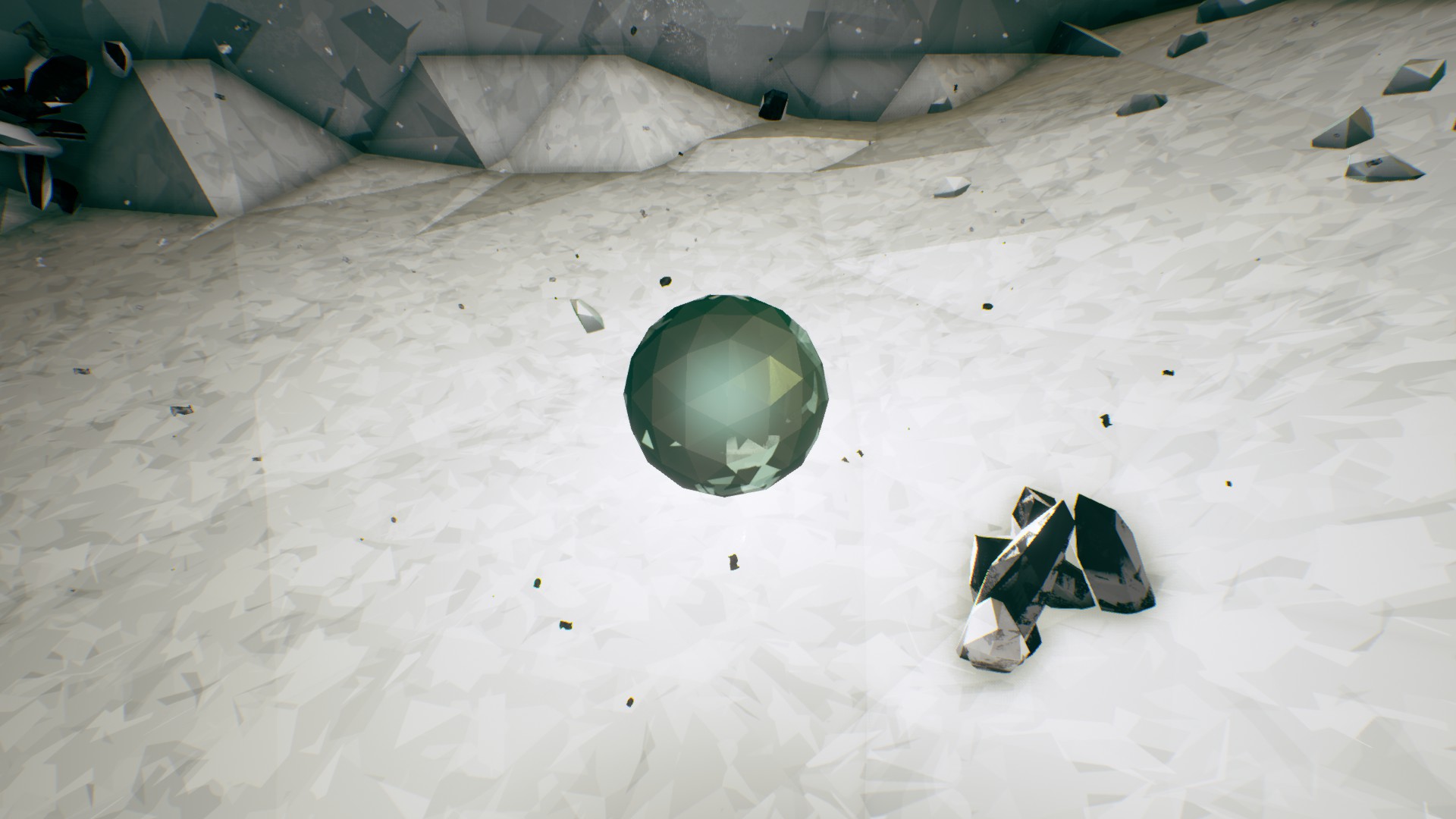
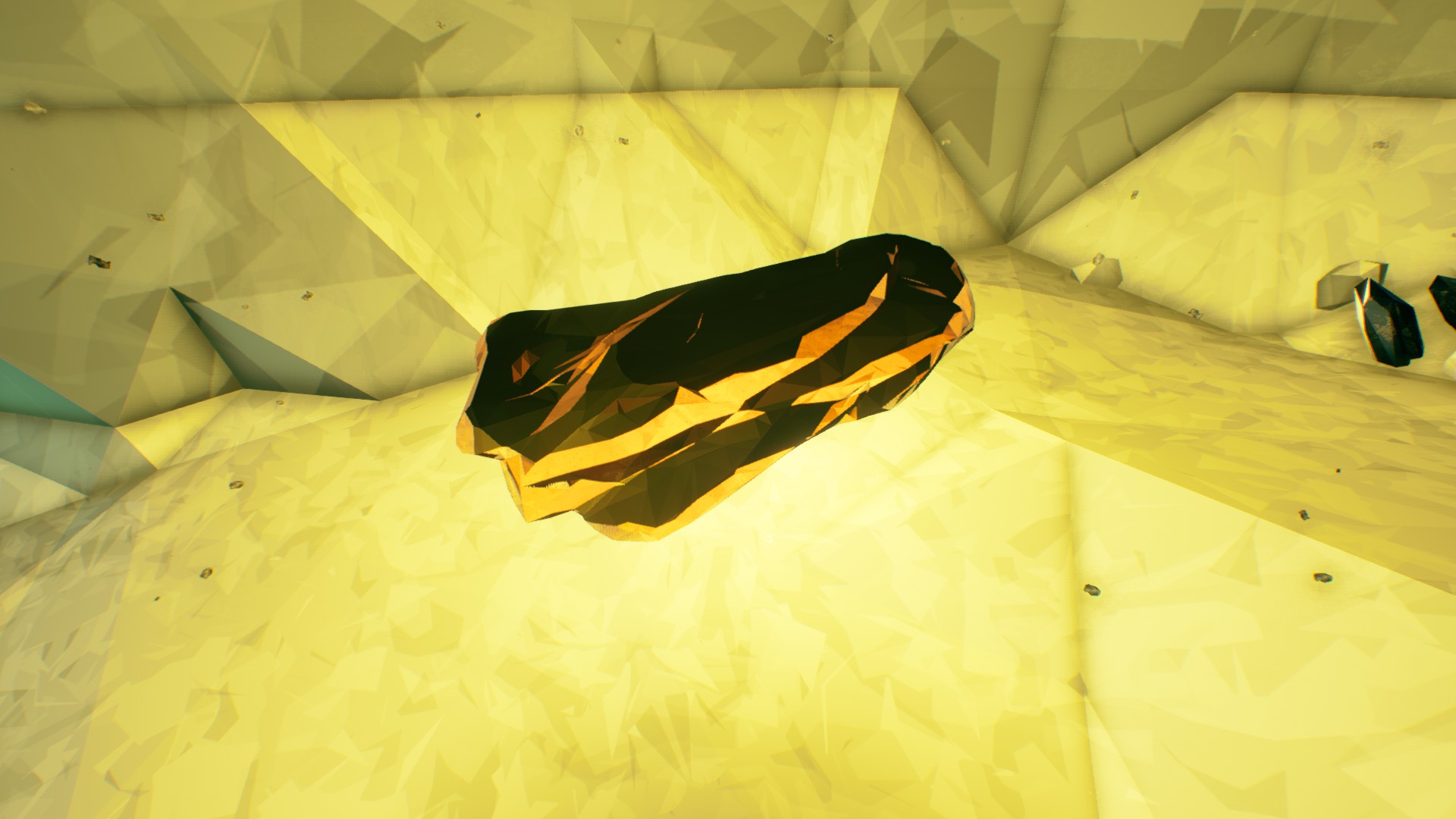
When playing with Green Beards I try to let them experience things Like show them what a 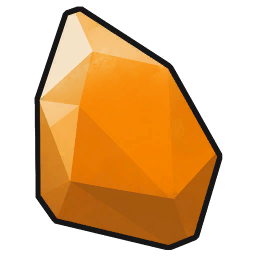 Compressed Gold
,
Compressed Gold
,
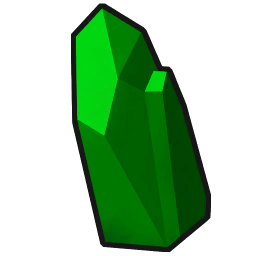 Jadiz
etc. look like.
Jadiz
etc. look like.
or what a cargo crate battery/helmet sounds like Let them do some stuff like event hacking etc. |
|
Disbanding the team will refresh the beer. |
|
I Play by or try to either highest rank, or host buys the beer, if neither has the bulbs and/or then the one with the most should pay for it. But people are faster than I am and I can never buy beers! |
|
Buy ALL Gear Modifications on your Armor for boosted Status (Mastery, the Pill/Oblong icons at the bottom) |
|
Each Dwarf is unique. So I tend to look at each as they have different "Jobs" to do when playing. Under the Dwarves (Classes) , I give tips and opinions on their "jobs". Since Each Dwarf is unique. It's suggested to get all of them Promoted once. To see which one you like best. |
|
To Promote a Dwarf, You will have to get to Level 25, then do a few missions, & then pay  Credits
/Minerals.
Credits
/Minerals.
The
Credits
/Minerals increase the higher promoted rank you go up.
You do not have the play the same Dwarf you want to Promote. |
|
When Hosting you can put it on Friends Only. This prevents randoms from joining but Allows people from Steam or Discord to join. |
|
Communicate!
Communication is nice. Talk to your fellow Dwarves.
Whether it be in Voice or not Communicate what builds you are bringing or want. Make sure everybody is Ready before pushing buttons to start things. In chat [R] means Ready. Also it could be taken that somebody is ready if they Rock-N-Stone. ([V] Default) Join Voice Chat first if you are in looking for group Discord. Like the Official DRG Discord . There is a Green Join button you can send to people From the Official DRG Discord . to set it up Follow the Pin Comments under The Channel LFG Steam. If the Join Button says Full/Game Ended and it's not You can click on the Host's profile icon to refresh it But like with everything Discord it can be bugged. If the Official DRG Discord Invite doesn't work Look at the Pin comments under the LFG groups. 
Click on the person's profile icon to refresh. You can get a Steam link to send to people. Go to your Profile while in game. Then look for a green Join Game button Then Right-Click and click "Copy link address" 
You can even join somebody else's game. By clicking the Join Game button. Also remember if you're in voice chat Have some common courtesy Don't have such an Open Mic there is ways to get rid of noise. Discord has Krisp Noise Suppression. Under Voice & Video in Settings. |
|
|



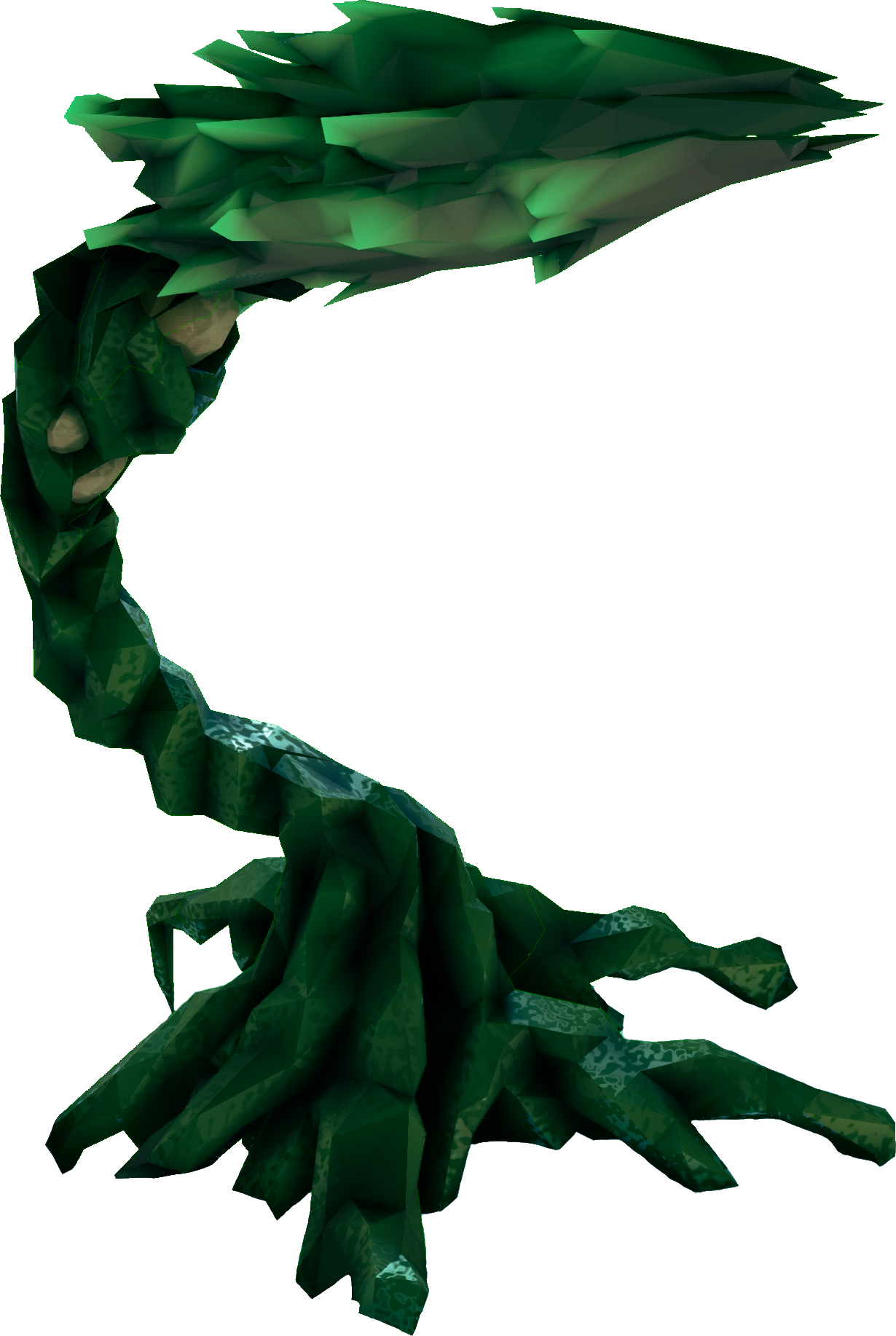
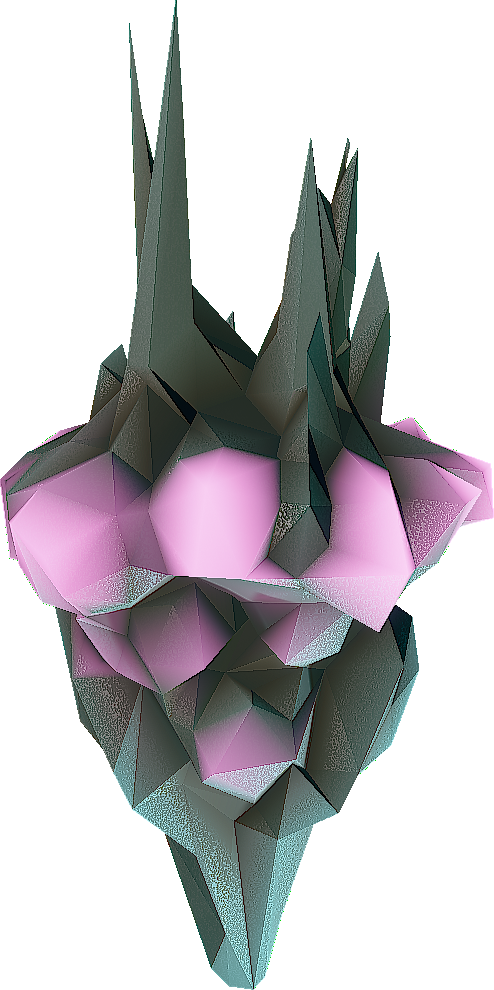
 Buried Gems
 Minerals
 Beer Materials
 Matrix Cores
 Bittergem
 Enor Pearl
 Jadiz
Jadiz
 Error Cube


 Experience Points


 Bismor


 Sweet Tooth
 Iron Will


 Barely Bulb

 Malt Star

 Starch Nut

 Yeast Cone

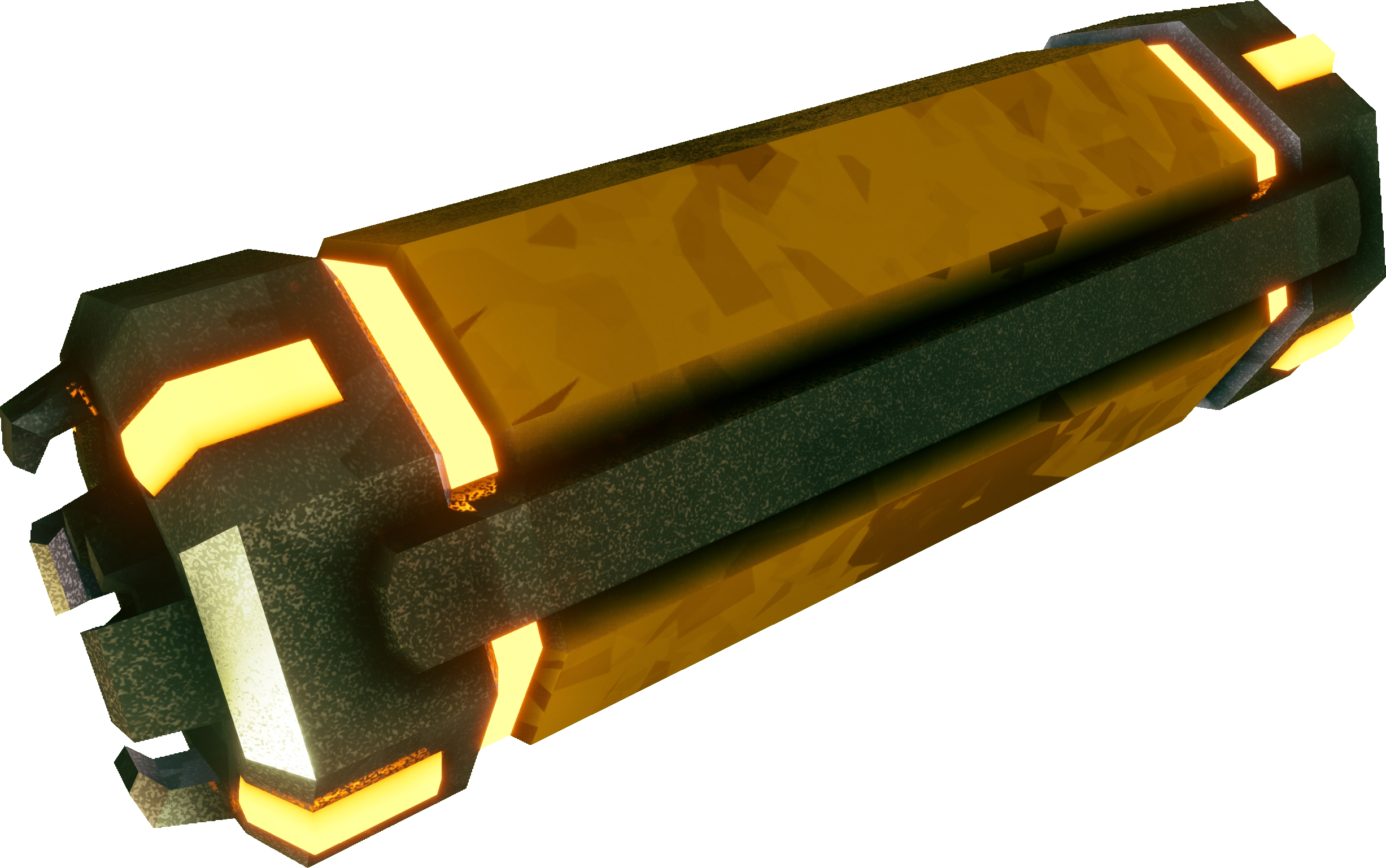
 Blank Matrix Core
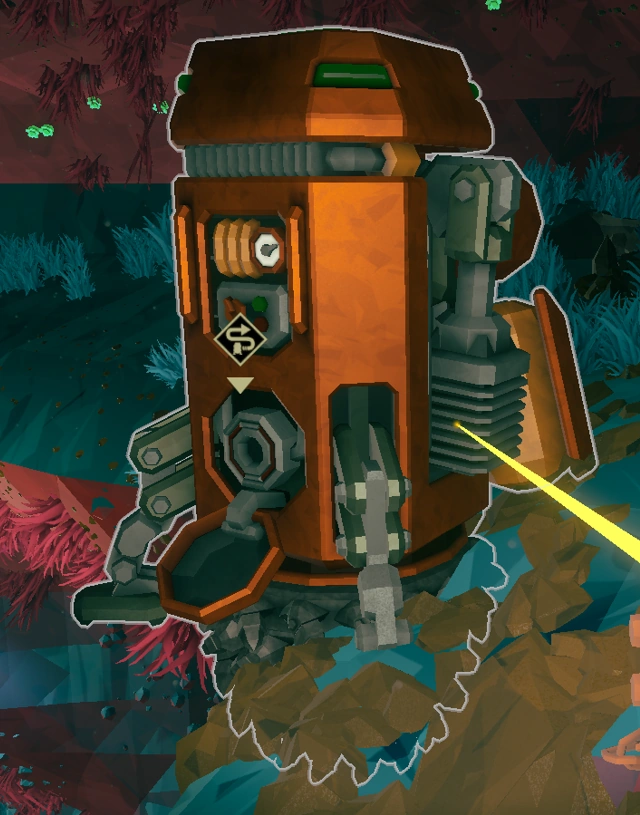
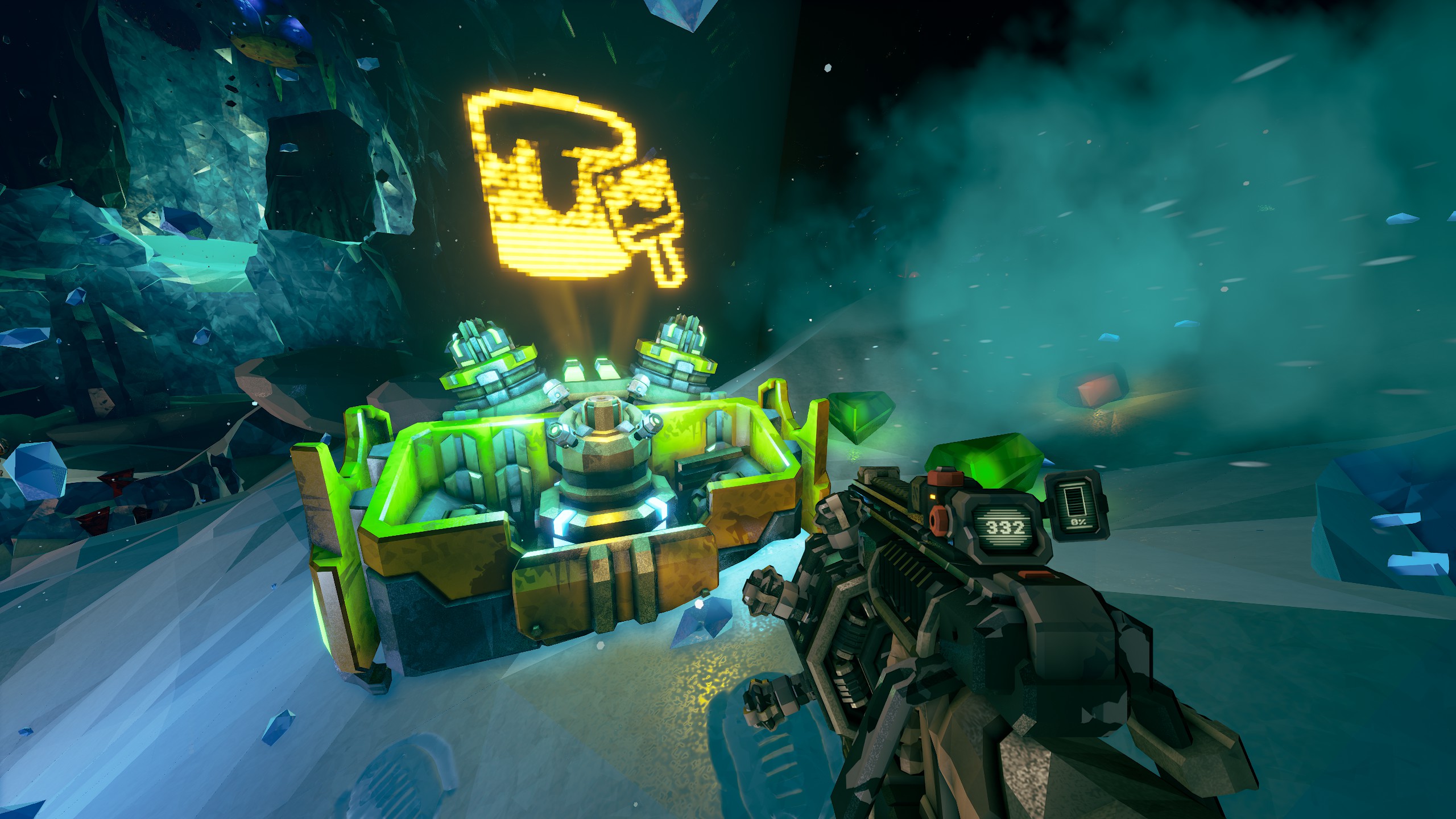
 Mineral Container Mineral Container.
 Cosmetic Infused Cores
 Overclock Infused Cores